Need Help With Apple iPhone, iPad or MacBook?
We can help with any Apple device you have. So if you’re looking for some training online or in person for iPhone, iPad or MacBook…get in touch.
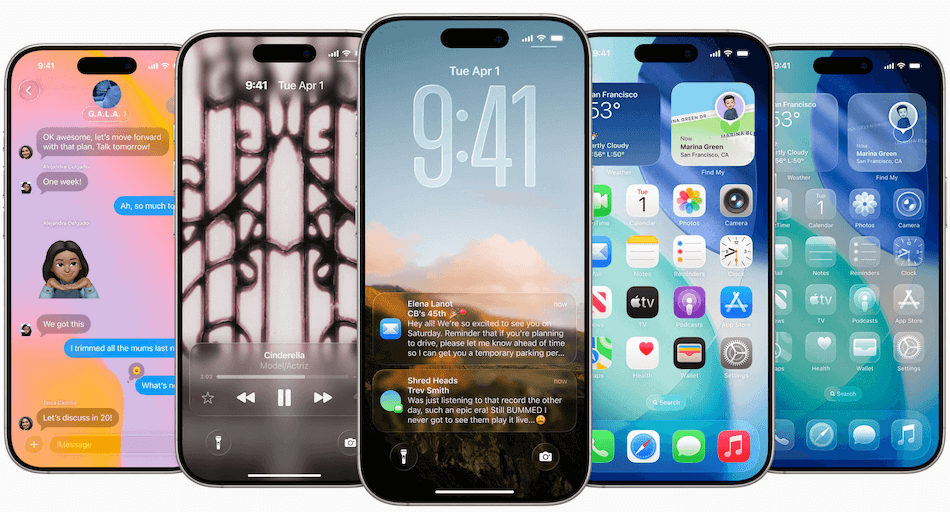
iOS27 is here –
Siri AI & Apple Intelligence
Chatbot-Like Experience: Siri is completely rebuilt with generative AI (developed alongside Google infrastructure) for natural, flowing conversations.
On-Screen & Personal Context: Siri can now read your screen, pull context from messages, and execute complex multi-app tasks like scheduling or organising photos.
Dedicated Siri App & Dynamic Island: Includes a new standalone iCloud-synced app to review past chats and sleek new integrations right inside the Dynamic Island.
Systemwide text generation/proofreading and creative image generation tools are baked right in.
Independent Volume Controls: Finally separate your alarm and timer volumes from your general ringer and system sound levels.
Photos & Camera
AI Editing Suite: Easily reframe, extend borders, or precisely clean up distracting objects in your photos.
Video Frame Grabber: Save any individual frame from a video directly as a full-resolution photo instantly.
Improved iCloud Shared Albums. It’s easier for friends and family on Android or Windows to join and contribute their own photos on iCloud.com. Shared Albums also adds support for full-resolution sharing and new ways to filter and react to photos and invite others to share an album.
Reworked Parental Controls: Enhanced “Ask to Browse” website approvals, custom daily app time allowances, and broader communication safety filters
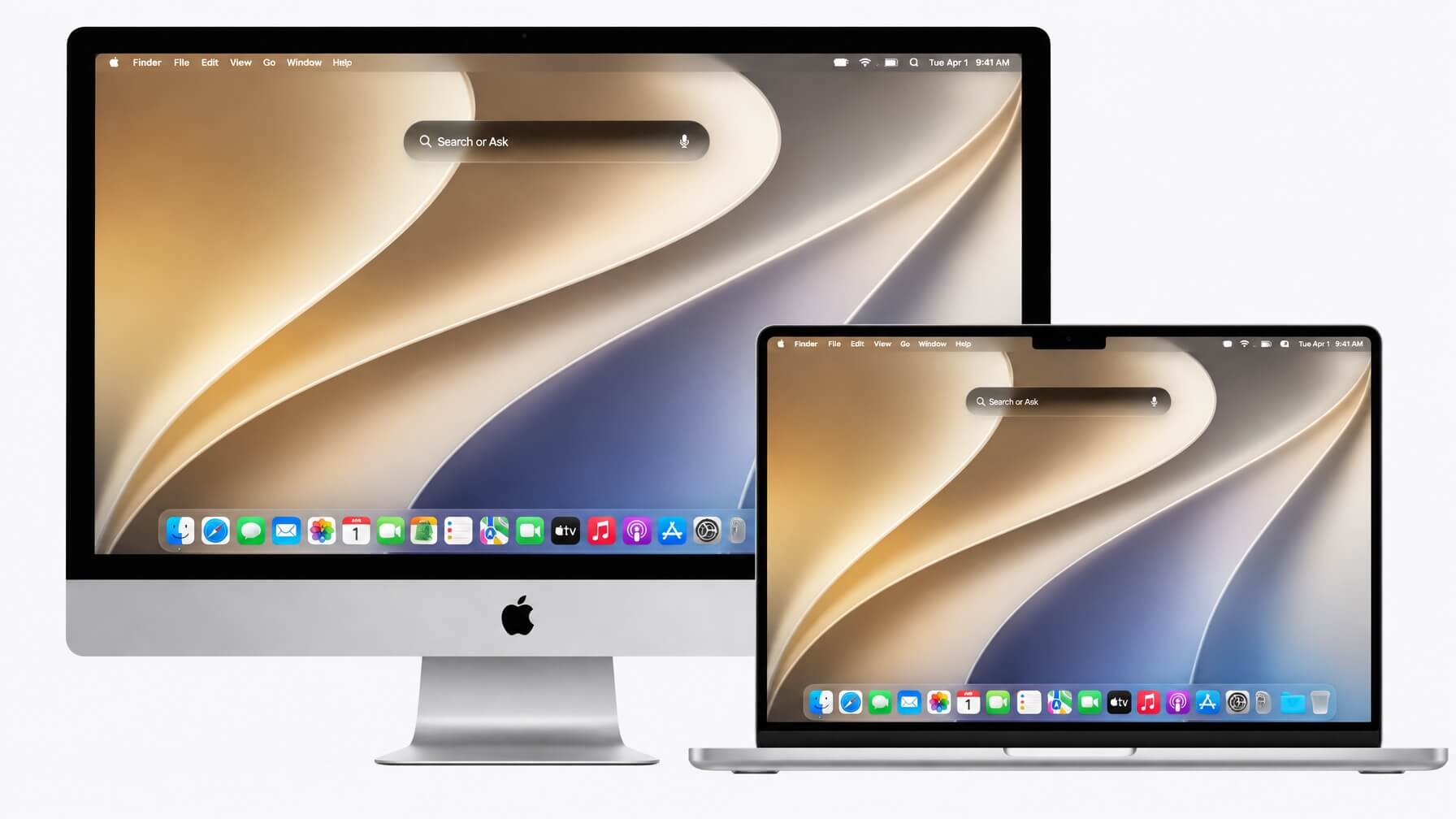
macOS 27 Golden Gate is here. Reimagined with Liquid Glass, macOS Tahoe is at once fresh and familiar. Apps bring more focus to your content. You can personalise your Mac like never before. And everything just flows into place.
Sit down with us or bring a couple of friends that need help also; we’ll tailor the training around you.

Problems?
Our Mac problem solving is for anyone who wants to get the most out of their Mac computer, iPad, or iPhone. You could be an individual working from home, a senior citizen, or an office switching from PC to Mac. Our Mac training is aimed at newcomers to Apple and veterans of Apple.
One to One Training
As you stare at a screen and don’t really know what to do next, call us. We provide Apple training ONE on ONE, this starts @ €45 for 2 hours or €75 at your location. We also do remote help all you need is Google Remote Desktop or iMessage.
We Understand
With Apple’s success, more people are making the switch to Macs. The demand for Apple products has also put pressure on traditional IT departments, as more people want the same computing experience at the office as at home. Get to know what your Mac can do for you.
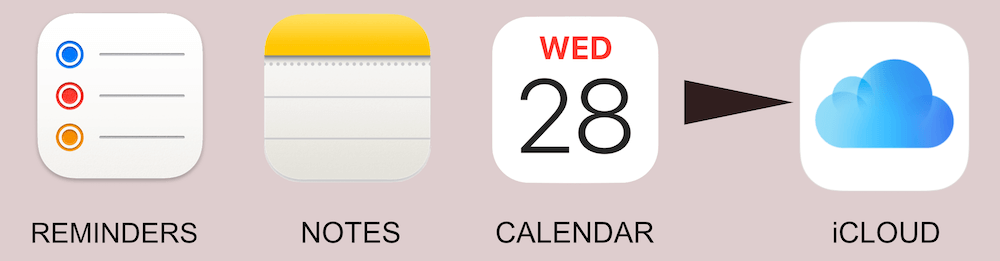
If you’re not using Apple Reminders, Notes and Calendar in conjunction with iCloud you’re really missing out on a fantastic productivity flow. These apps together can clear your head and make life so much easier.
Everything You Want To Know About Apple
Are you looking for Apple support, help with your iMac, MacBook, iPad? We also provide online support through iMessage or Google Remote Desktop. Get 2 hours of online support for €45

Get All Your Apple Products Talking To Each Other
make them work for you
APPLE iCloud
It is amazing how many people just don’t get iCloud! What can it do? Am I using it correctly? Why have I no space left in iCloud? Make iCloud work for you.
APPLE TV
The App Store is coming to your TV. You can expect big, exciting games. Imagine apps that turn your living room into a fitness studio or a classroom.
APPLE APPS
We can also help with the basics for Pages, Keynote, iMovie & Final Cut Pro. Get more from Notes & iTunes to mention a couple.
STAY IN THE APPLE ECO SYSTEM

iPhone
The moment you use iPhone you know you’ve never felt anything like it. With just a single press, 3D Touch lets you do more than ever before. Live Photos bring your memories to life in a powerfully vivid way. And that’s just the beginning. Take a deeper look at iPhone, and you’ll find innovation on every level.
iPad
The powerful built-in apps on your iPhone and iPad are designed for the essential things you use them for every day — mail, messages, web browsing, maps, making notes and so much more. Are you getting the most out of it? Talk to us and we’ll open up a whole new world.
iMac
Every new Mac comes with Photos, iMovie, GarageBand, Final Cut Pro, Pages, Numbers and Keynote. If you want to be creative with your photos, videos, music, documents, spreadsheets and presentations from the start, call us today for a little help. Get the most from your device.
Here are some types of questions you may ask before your migration…
- What happens to the files on my PC?
- Will my documents be compatible with PC users?
- What happens to my email?
- What if I still need some PC applications?
- What virus protection do I need?
- Can I use Microsoft Office?
Every computer needs some maintenance to keep it running well, if the spinning beach ball is coming up a lot on your screen, you need to do something, don’t just ignore it.
iOS27 is the latest version of the software for iPhone & iPad, this really spices things up with Apple intelligence. Siri will be 50% more accurate plus 40% faster to react.

APFS, the big advantage is that APFS can replace all the existing file systems Apple currently uses across its platforms. APFS is suitable for macOS, iOS, tvOS and even watchOS.